🚀 Getting started
This chapter helps you get started with the MCI framework and make the most of its features.
-
Start your journey by getting access and perform your very first operation within the Incubator.
-
Get familiar with the basic operations.
-
Learn how to configure the agentic framework.
-
In the Agents section you will discover their purpose and capabilities.
-
Go there for further support.
Prerequisites
Before you begin, make sure you have:
- A modern browser (Chrome, Firefox, Edge)
- Access credentials to the Agentic AI for Manufacturing Cloud Service
Getting access
To get access, follow these steps:
1. Open the URL.
2. Click on Sign On with Azure ID.
A notification dialog opens.
3. Contact your administrator to activate your registration.
4. Once activated, please proceed to login.
Login
Active Directory services are a widely used standard for enterprise login, offering both convenience and Single Sign-On (SSO). The Incubator integrates with these services and enables users to log in manually or automatically via browser-based SSO. Incubator offers configurable support for third-party identity providers such as Microsoft Entra ID or SingleKey ID.
1. Open the URL.
The login dialog window opens.
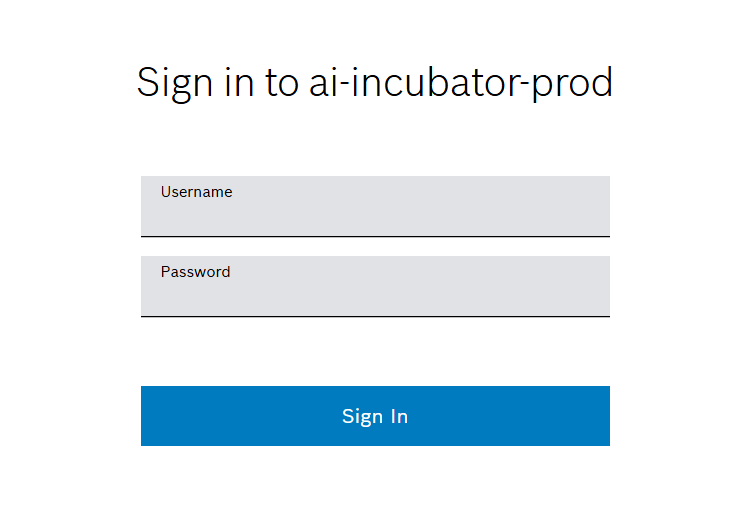
2. Enter user credentials.
3. Click on Sign In.
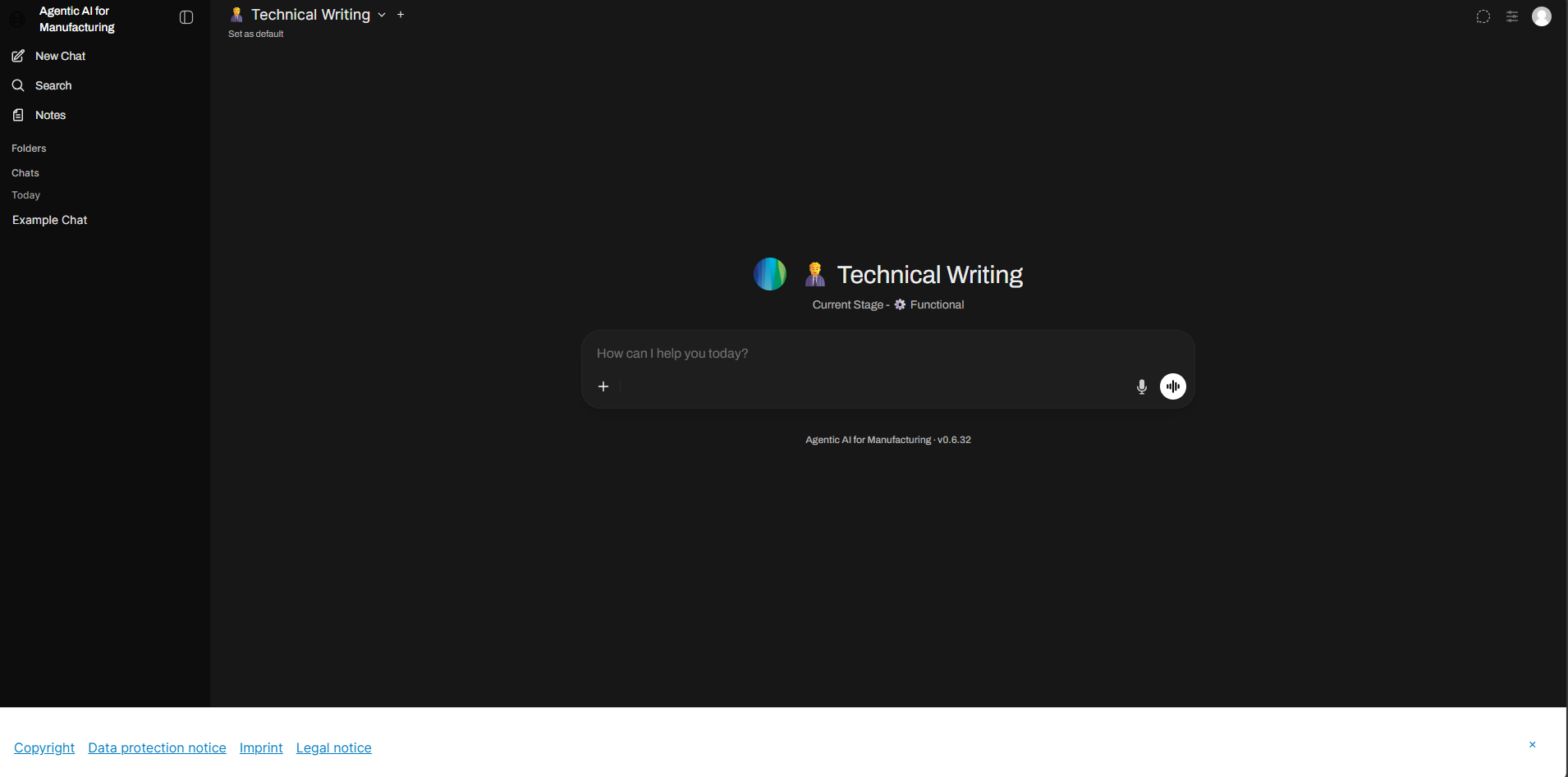
✅ The browser redirects to the main screen.
First agent interaction
After successfully logging in, the main screen appears and an agent is automatically selected.
1. Click on the input field.
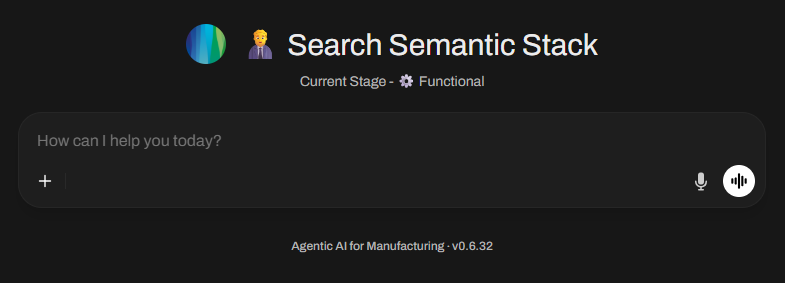
2. Enter a question that fits the topic of the selected agent.
3. Press Enter or click on  .
.
✅ The agent answers the question in its part of the chat window according to its configuration. The chat is saved in the chat history.